
Before you get started
Before getting started, please note the following:
- Only current property management partners, or renters who have been referred for an Approval Agreement can login to OneApp. If you opted in to receive marketing communications, don't have an active account, you will not be able to log in.
- If you're a property management team member who's been added to an existing OneApp account, you'll need to set up your account before you can log in. To do this, simply click the Sign In To Your Account button in your welcome email.
- If you're a renter who's been referred to OneApp for an Approval Agreement, you'll need to set up your account before you can log in. To do this, simply click the Get Started button in your invitation email.
💡 Good to Know: If you are not receiving emails from OneApp, please check your SPAM/junk folders and add @oneapp.rentals to your email allow list.
- If you've forgotten your password:
- From the login page, click Forgot Password. Learn more about resetting your password.
.png?width=584&height=392&name=OneApp%20Login%20Page%20(1).png)
How to Log In
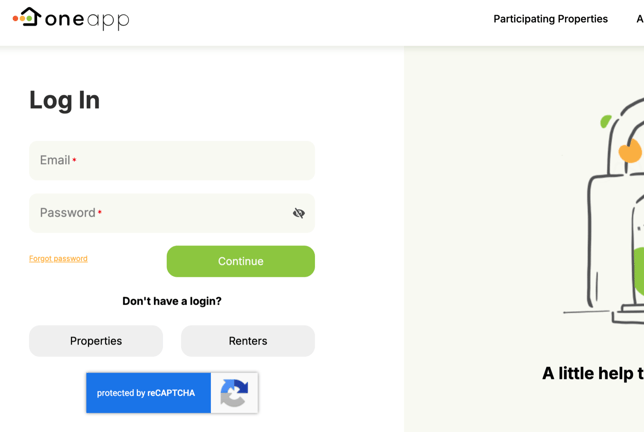
- Click the Login button in the top navigation bar at my.oneapp.rentals

- Enter your email and password and click Continue.
Troubleshoot Login Issues
If you're unable to login to OneApp, try the following troubleshooting steps in Google Chrome from a laptop or computer:
- If you have multiple email addresses, ensure that you're using the email address that's associated with your OneApp account.
- Clear the cache and cookies in your browser and retry.