
Need to resend the referral email to an applicant? Simply follow these steps:
- Click on the Applications section on the dashboard
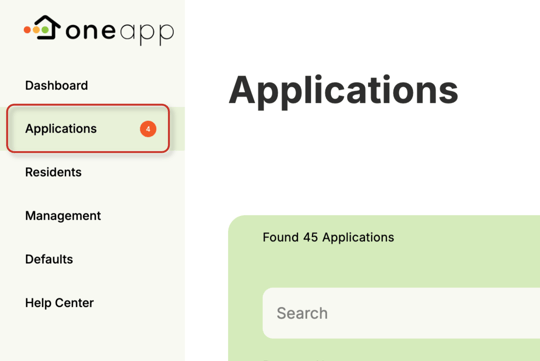
- Use the search function to find the applicant by name, property, or status, or scrolling down to find them in the displayed list.
- Click 'resend' under the action for the selected applicant.

If an applicant still hasn't received the email after you have re-sent, have them check their spam or junk folders incase it was accidentally miscategorized