
You can reset a forgotten password or change your password from within OneApp.
Reset your password
If you've forgotten your password, you can reset it from the login page by clicking Forgot Password. An email will be sent to you with instructions for resetting your password.
💡 Good To Know: If the password reset email does not appear in your inbox, add oneappguarantee.com and @oneapp.rentals to your email allow list.
Change your password when logged in to OneApp
To change your user account's password in OneApp:
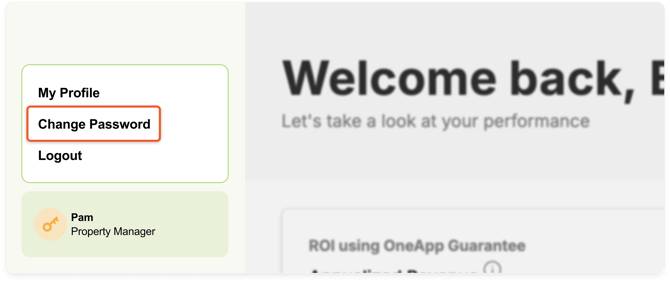
- In your OneApp account, click Change Password at the bottom of the left navigation bar.
- On the Change Password page, enter your Current Password and New Password.
- Confirm your New Password.
- Click Save.