
If you've been approved by OneApp and have paid your fee, your approval agreement is automatically shared with both you and the property via email, so you can complete your lease and move-in.
If you haven't received the approval agreement in your email inbox, don't worry – here's what to do next.
Double check your email
Your email provider might be filtering your notifications – check your SPAM/junk folders and complete these troubleshooting steps.
Download your agreement in OneApp
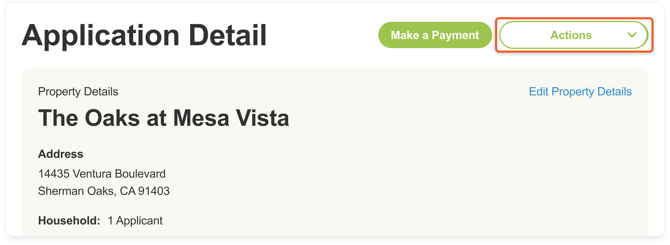
- In your OneApp account, click the Actions dropdown in the top right corner of the Application Detail screen.
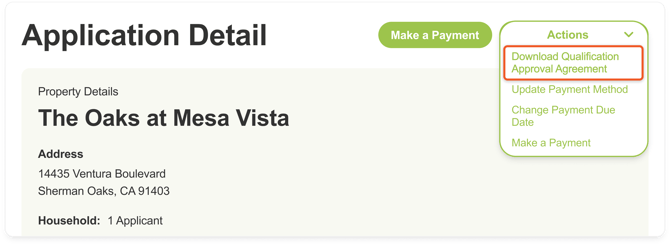
- Click Download Qualification Approval Agreement.
🏆 Pro Tip: The property manager or leasing agent who referred you should have received a copy of your approval agreement as well, but it never hurts to reach out to them and confirm they've received it.