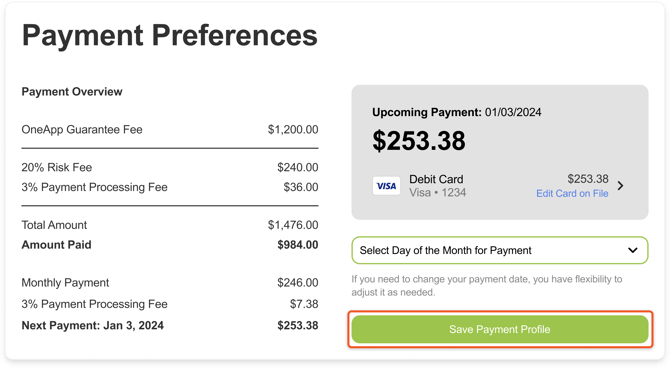
To change your payment plan monthly due date:
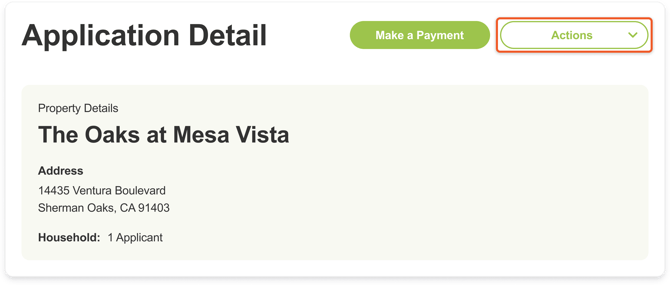
- In your OneApp account, click the Actions dropdown in the top right corner.
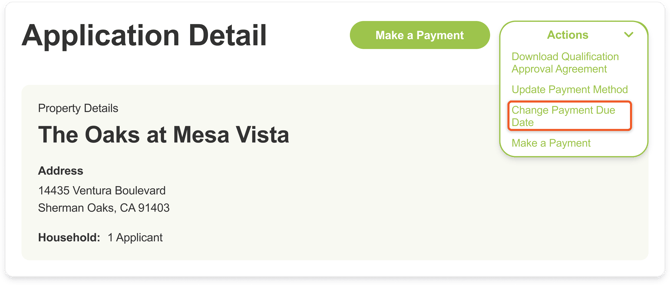
- Select Change Payment Due Date.
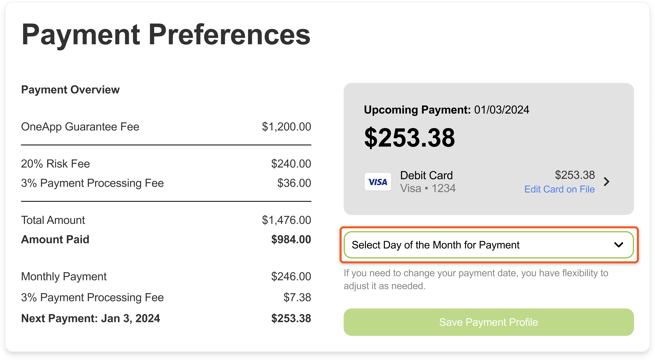
- On the Payment Preferences page, you will see the payment method on your account. Click the Select Day of the Month for Payment dropdown below your payment method and select a new payment date.
- Select your preferred payment due date and click Save Payment Profile. You can adjust the due date up to 3 times in total.